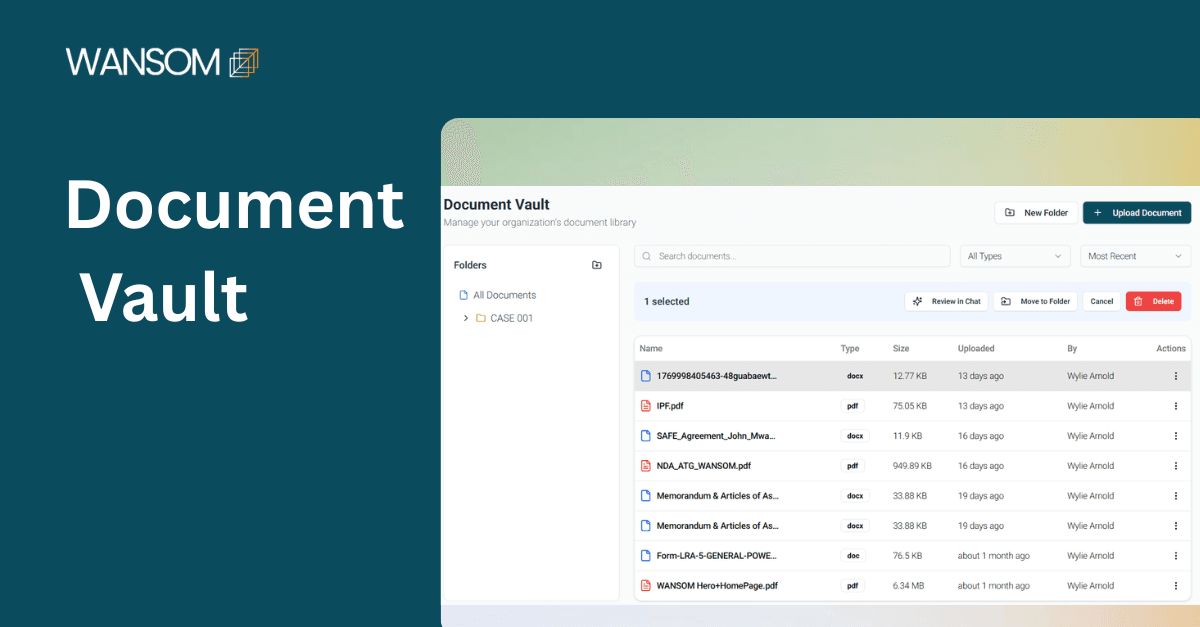
The Vault
The Vault is a secure document library that helps firms to upload, organize, and manage legal documents.
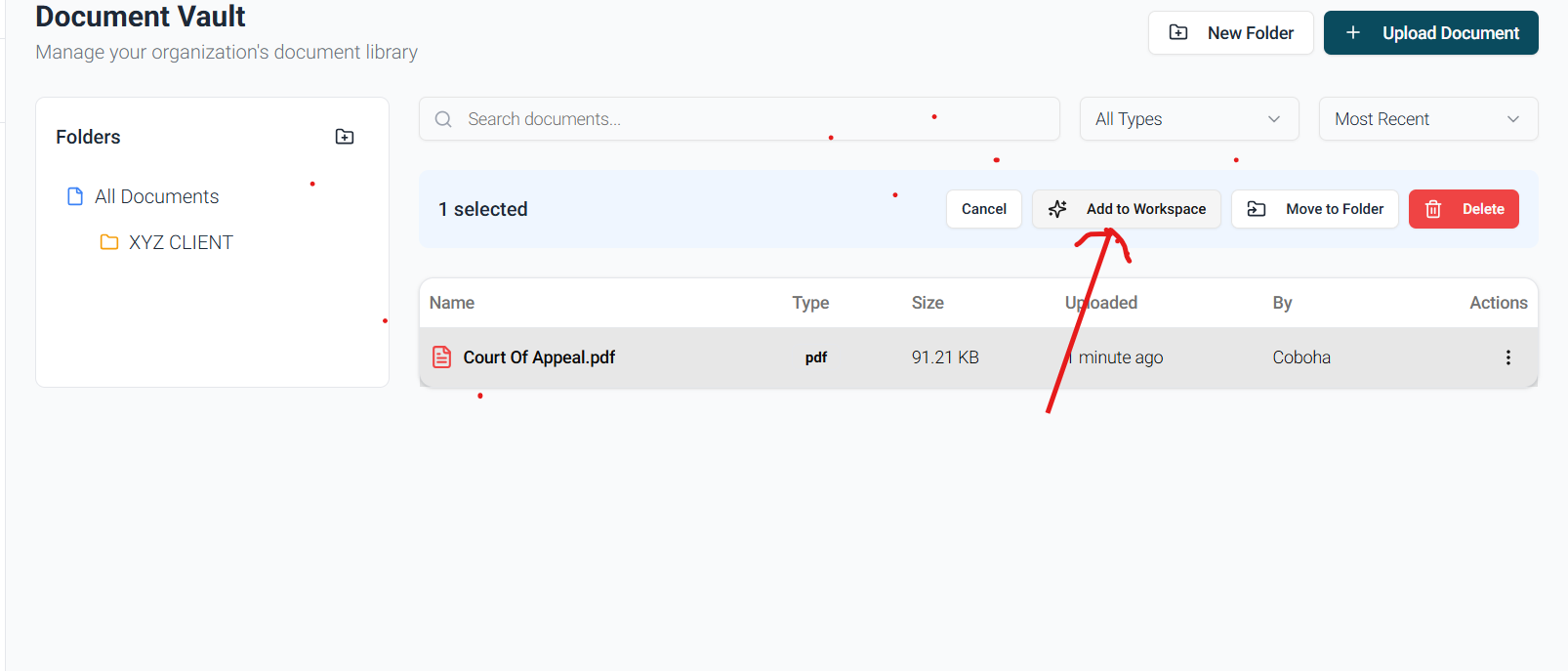
The vault is integrated with Wansom AI's workspaces to help users easily review and extract information from the documents.
For firms handling complex litigation or high-volume transactional work, the Vault can:
Enhances efficiency
Reduces repetitive review
Preserves institutional knowledge
Strengthens internal collaboration
How to Use the Vault
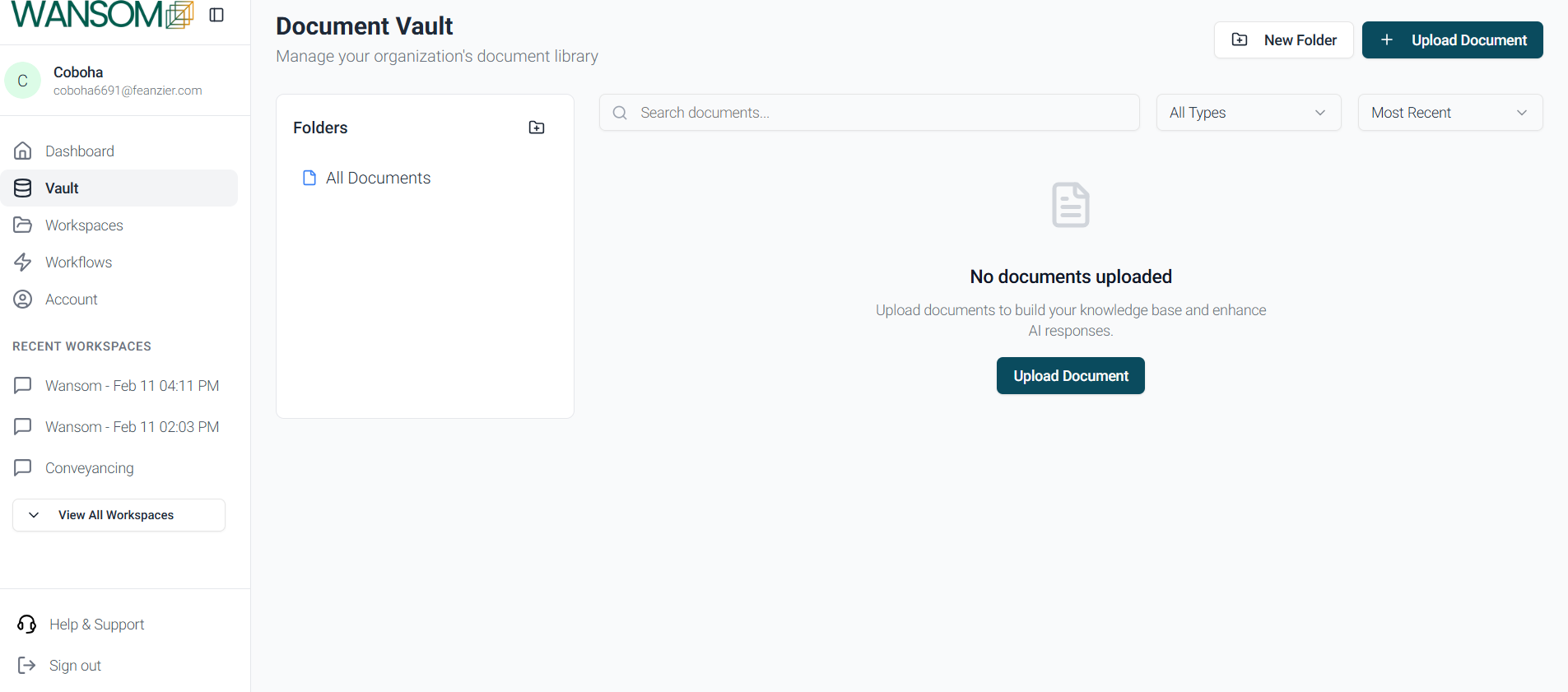
Step 1: Access Your Account
Log in to your Wansom AI account
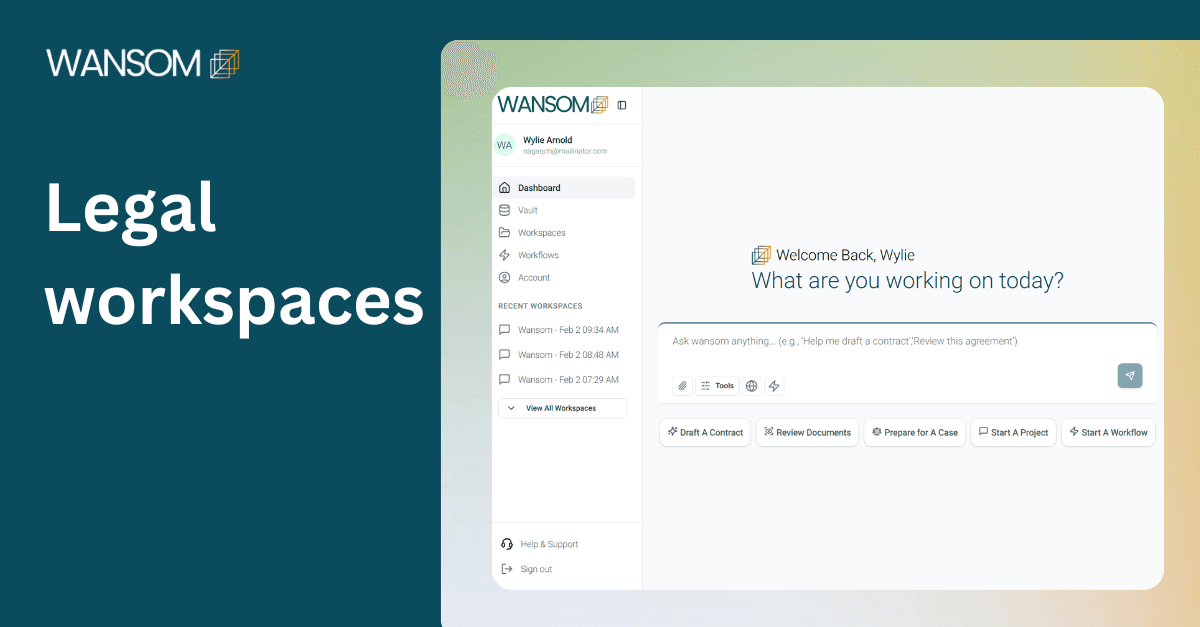
From your dashboard:
Click on Vault
You will be directed to your document repository
This is where all uploaded documents will be securely stored and organized.
Step 2: Upload Legal Documents
Click ‘Upload Document’ and select files from your device.
You may upload:
Pleadings
Contracts
Judgments
Affidavits
Legal opinions
Regulatory documents
Internal research memoranda
Ensure documents are clearly named for easy retrieval.
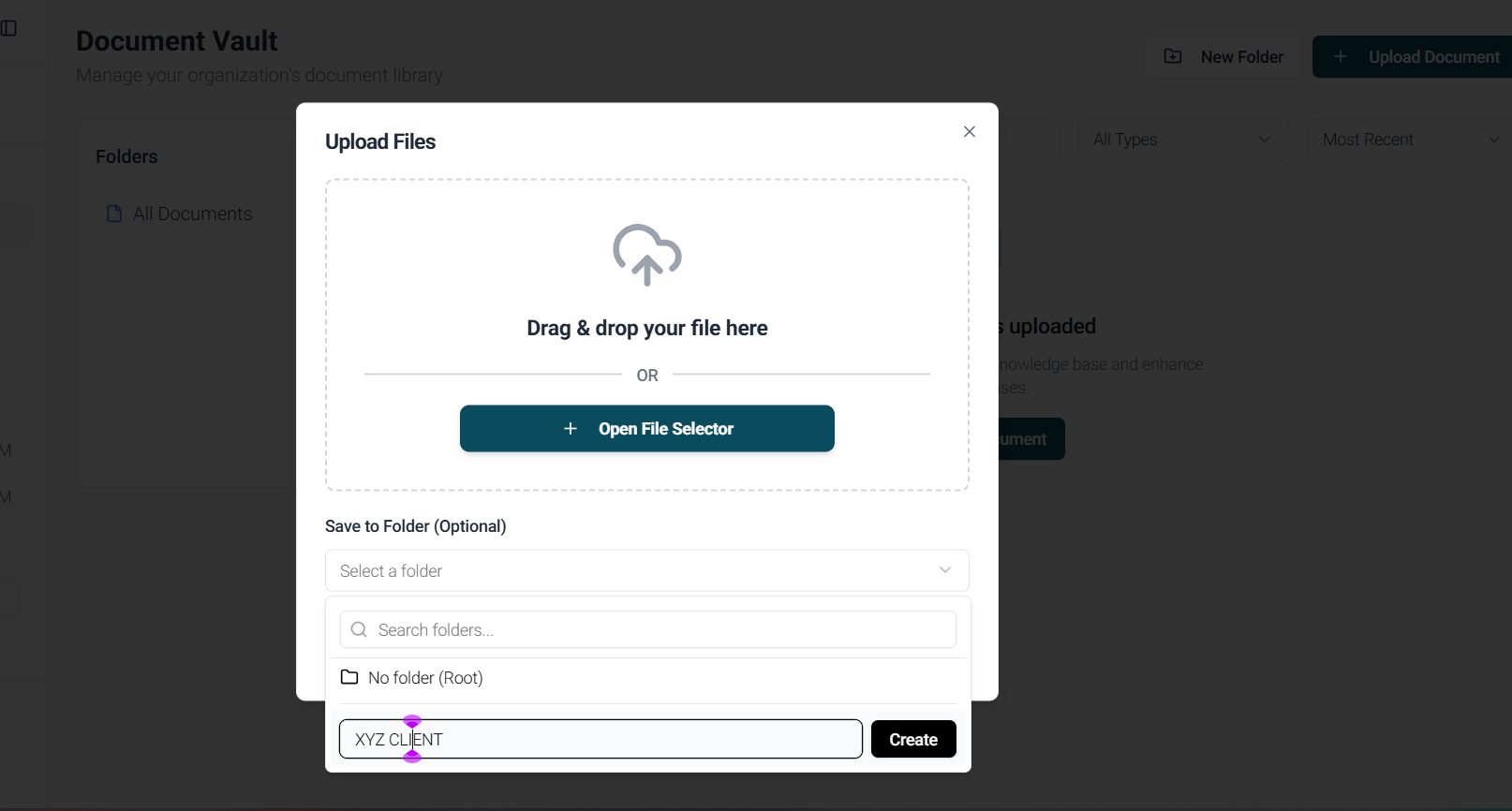
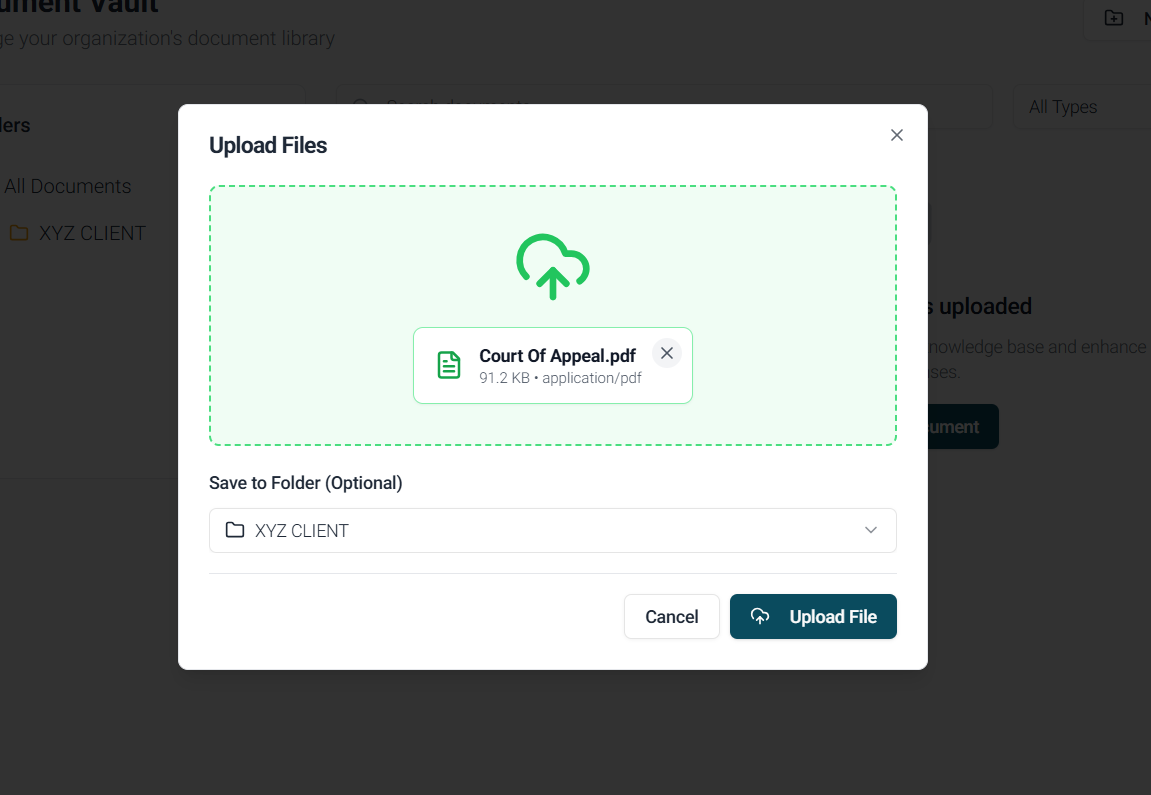
Step 3: Organize Documents Strategically
After uploading, categorize documents into folders by:
Client
Matter
Court level
Practice area
Transaction type
Best Practice: Use consistent naming across your firm.
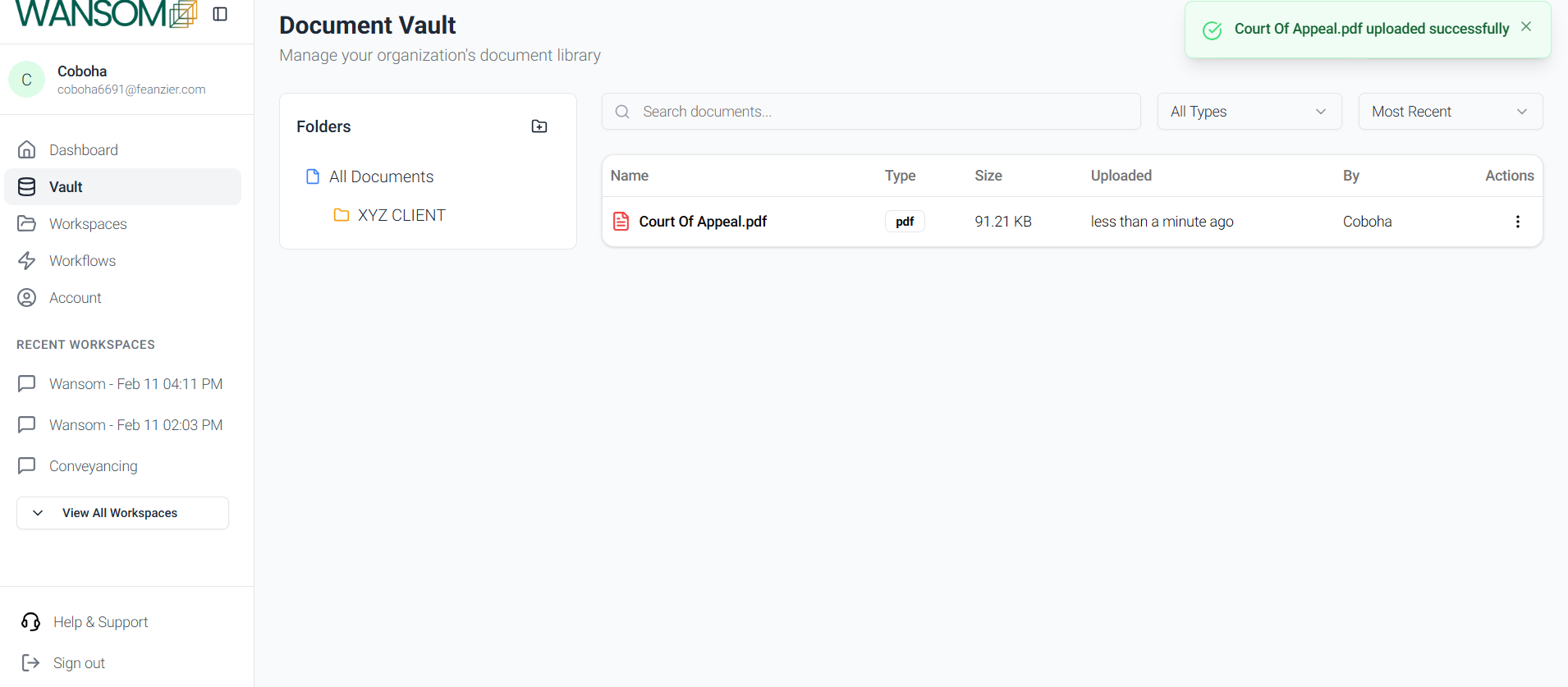
Step 4: Accessing and utilizing the Vault
Once uploaded, you can create workspaces to review the uploaded documents, extract specific clauses from contracts uploaded, request summaries, and other things.