What are AI (agents)Associates
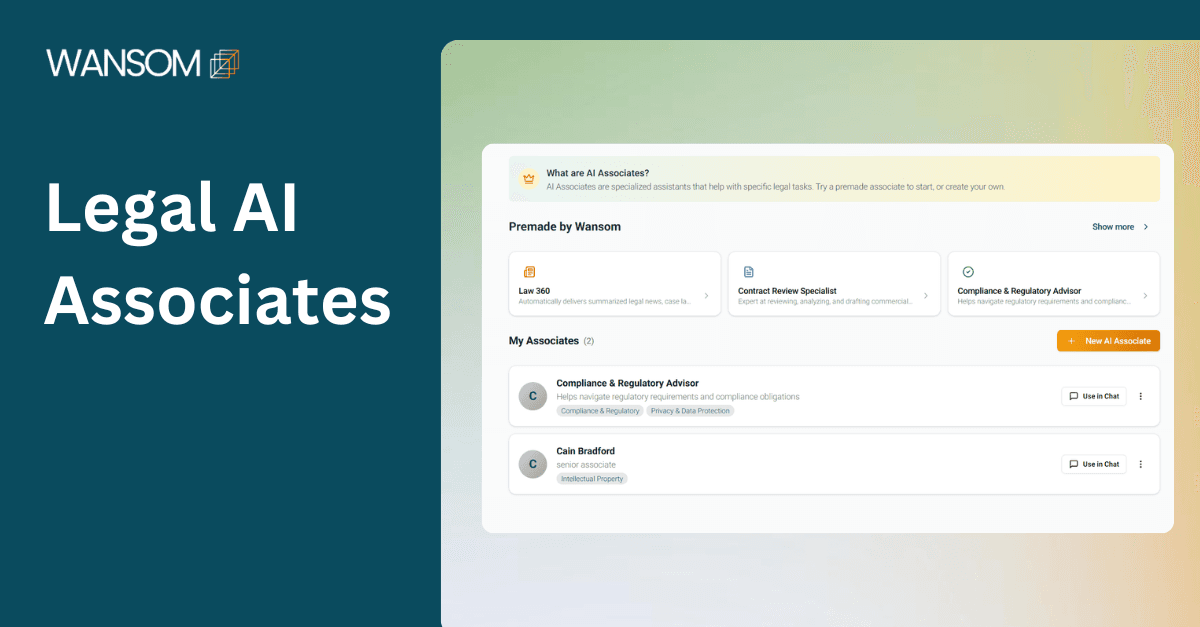
AI Associates(agents) are specialized legal AI assistants trained to help with specific legal tasks. They adapt to the lawyer's working style and can be integrated with other tools such as calendar, Gmail, and web search to optimize productivity.
On Wansom AI, AI agents are called associates to mimic how lawyers and law firms operate.
It functions like a junior litigation associate who works instantly, consistently, and on demand.
Benefits of AI Agents in Legal
Quick legal research and initial draft creation.
Minimizes overlooked legal issues.
Lowers the number of billable hours spent on repetitive research tasks.
Assists with complex issues.
Enables advocates to concentrate on strategy and advocacy.
Establishes a uniform drafting style across teams and utilizes consistent internal templates.
Maintains strategic frameworks.
Identifies the most compelling causes of action.
Offers immediate research assistance.
Supports pre-filing review checklists.
Here is a step-by-step guide on how to create, train, and deploy an AI associate in the Wansom workflow platform.
Step 1: Getting Started With AI Agents in Legal
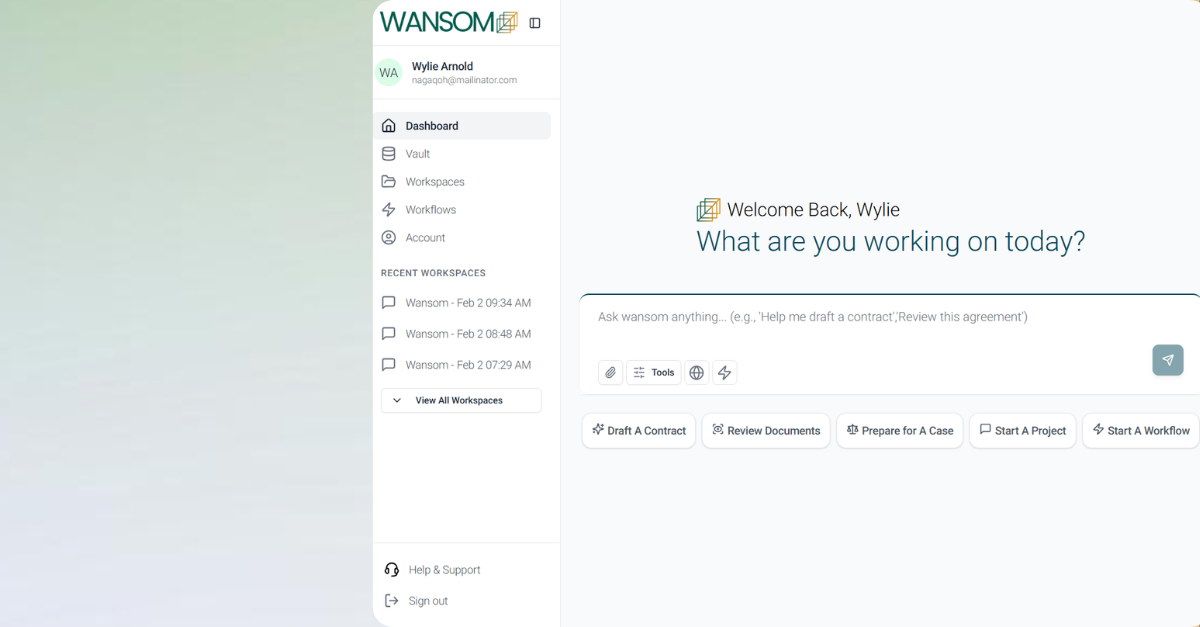
Log in to your account and navigate to Workflows from the dashboard.
You will see:
Existing Legal workflow templates are premade by Wansom AI.
The option to create your own AI Associates
Step 2: How to build your own Custom Legal AI Agent in wansom.ai
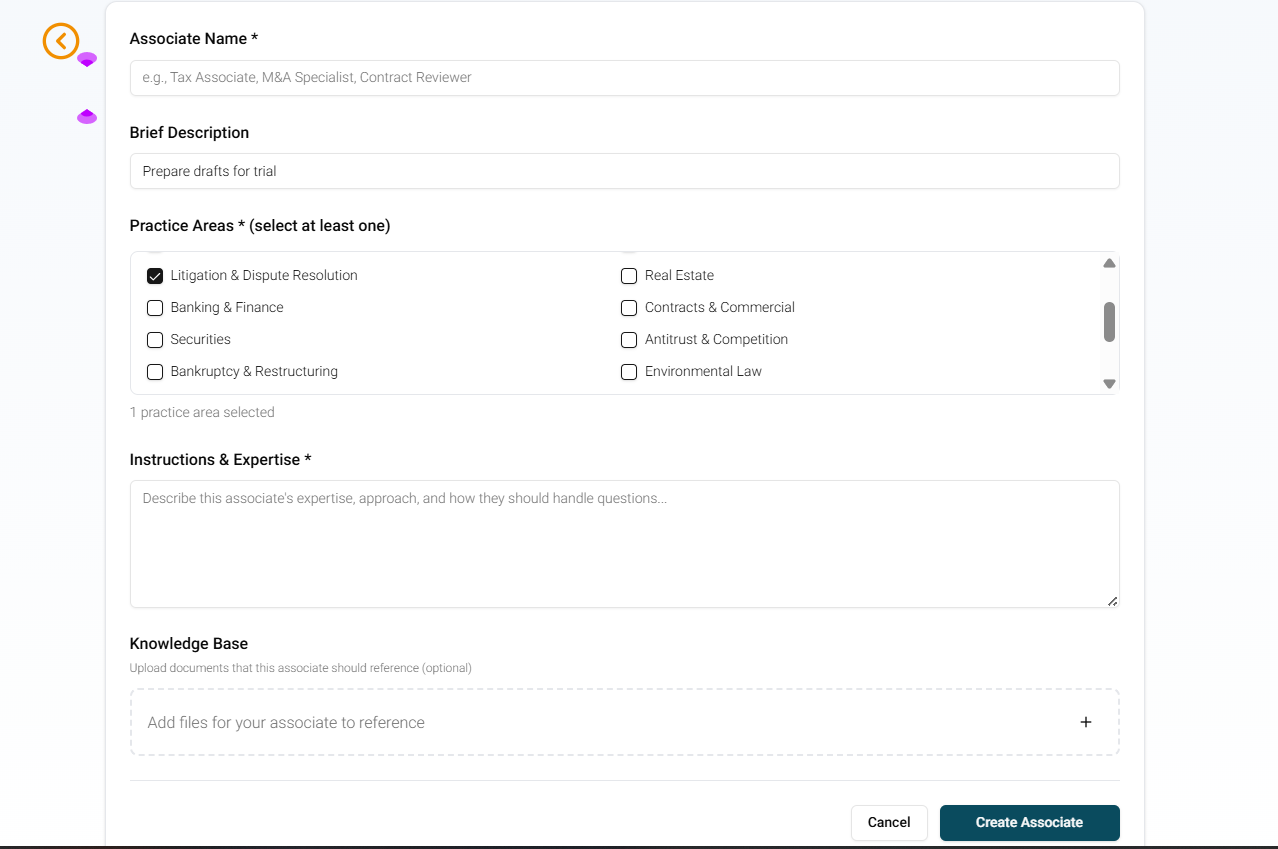
Click Create Associate and:
Name the Associate, e.g., Litigation Associate, Research Associate, Commercial Litigation Associate
Describe the Associate. e.g., "A Kenyan Litigation & Dispute Resolution Associate specializing in drafting pleadings, interlocutory applications, written submissions, legal research, and trial preparation documents for civil and commercial matters."
Select the Legal practice area for the Associate; choose the specific area of law the AI Associate will heavily assist in, e.g., Tax Law, Litigation, and dispute resolution
Give your Associate instructions and establish expertise based on the practice area. eg, " Litigation Associate specializing in civil litigation applying Kenyan law, including the Civil Procedure Act, Civil Procedure Rules 2010. The role includes drafting pleadings, written submissions, affidavits, and witness statements, conducting structured legal research, and suggesting alternative litigation strategies. Do not fabricate authorities or invent facts, indicate uncertainty where necessary, and structure all outputs with clear headings, distinct legal arguments, and procedural guidance where relevant."
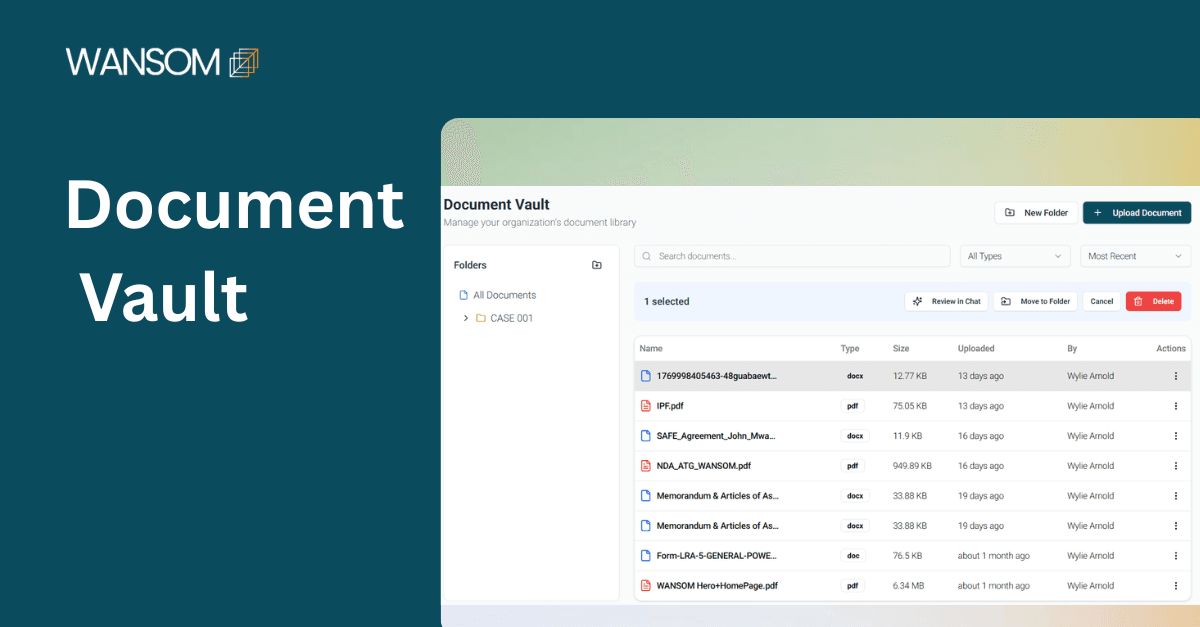
Add documents/ drafting Templates from your Vault for the Associate to reference. AI Associates will reference uploaded materials to generate contextual outputs.
Creating an effective AI Associate
Creating an effective Legal AI Associate begins with clearly defining its role, jurisdiction, and scope of responsibility. The Associate should be narrowly tailored to a specific legal function (litigation drafting, legal research, compliance review, or contract preparation)
Clear instructions must anchor the Associate to the relevant jurisdiction, applicable statutes, procedural rules, and court hierarchy. The more precise the instructions, the more reliable and structured the outputs.
All AI-generated work should pass through a review stage, ensuring that the Associate functions as a structured support tool that enhances efficiency while preserving professional judgment and accountability.
Explore AI Associates on Wansom AI and access the support you need to enhance your legal work. Experience how cutting-edge technology can transform your practice, offering superior research, draft preparation, risk analysis, and strategic insights. Whether you're a solo practitioner or part of a growing firm, AI Associates helps you work smarter, stay compliant, and improve your legal services.